Make something
out of it.
Studio is where a moment becomes something you made: a backdrop to start on, photos off the roll laid over it, stickers and words of your own. Drafts save on your phone, so you can come back.



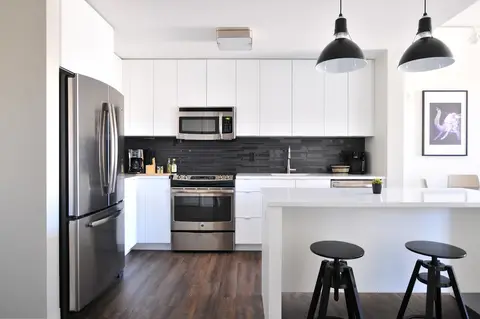

How Studio works
- 01
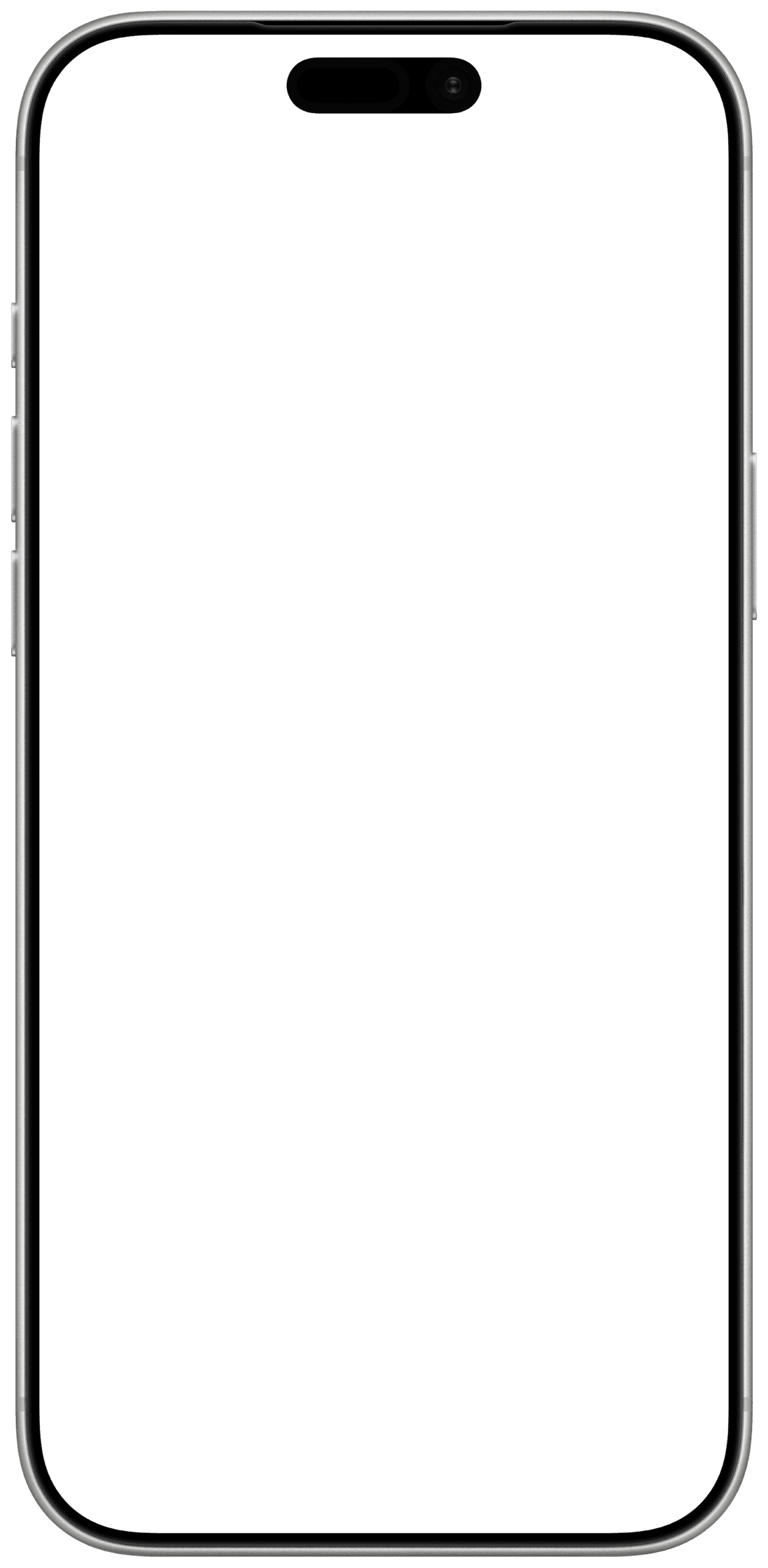
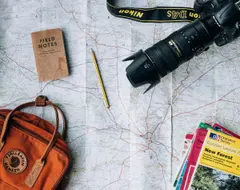
Start on a backdrop
A colour, a texture, or a photo from the roll. Pinch to reframe.
- 02
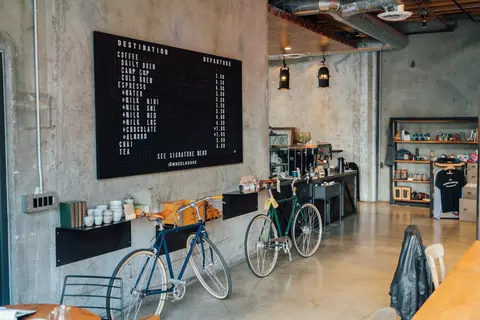
Lay the roll over it
Photos off the roll, dragged in, turned, stacked. A polaroid, a film strip, a taped print.
- 03
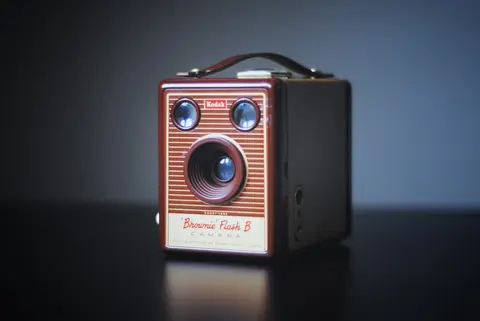
Add the words
Date stamps, place pins, calendars, captions, in five type styles. Export at full resolution.





Sticker sets
Eighteen stickers, eight sets.
Time and date, where, calendar, messages, quotes, frames, labels, and more.
- “Date stamp”
- “Polaroid”
- “Film strip”
- “Postage stamp”
- “Place pin”
- “Message”
FAQ
Frequently asked questions
Where are drafts saved?
On your phone. Signing out removes them, so export what you want to keep.
Can guests use Studio?
Yes. Anyone on the roll can, with the photos they can see.
What does it export?
A full-resolution image of the composition, to your library or the share sheet.
Is Studio a photo editor?
No. It is a bench for compositions: backdrops, photos, stickers and type. The film look is applied at capture.
The roll is the material.
Studio is the desk.
Open a moment and tap Studio.